Catch Game
Catch falling sparks, beat the clock, and make every interaction count.
Try demo: Catch GameExplore playable creative technology experiments, right in your browser. No downloads or special hardware. Just a little curiosity.
Explore our services through playable examples. Customize each game in its own panel.
Catch falling sparks, beat the clock, and make every interaction count.
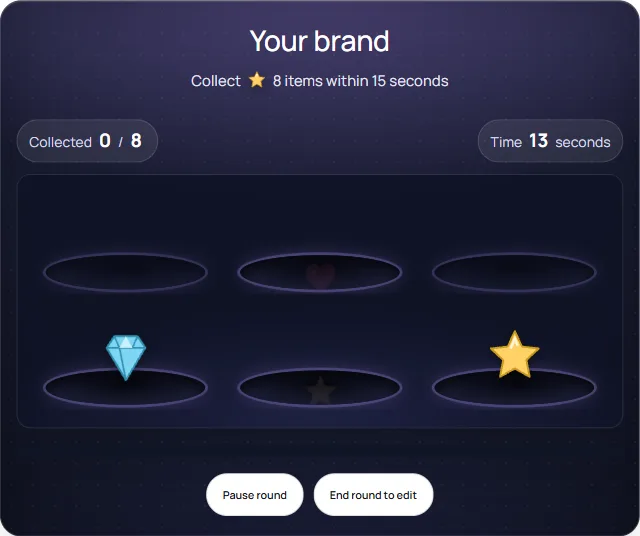
Try demo: Catch GameTap the right item as it pops up, before it hides again. Customize your brand and speed.
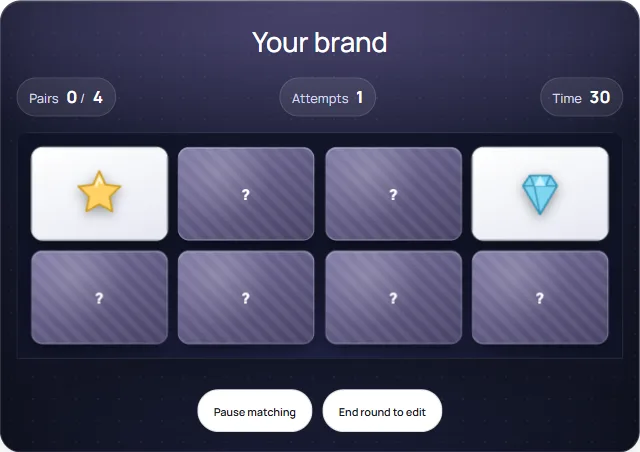
Try demo: Tap the Right ItemTurn two cards and find the matching pictures. Customize the card theme and difficulty.
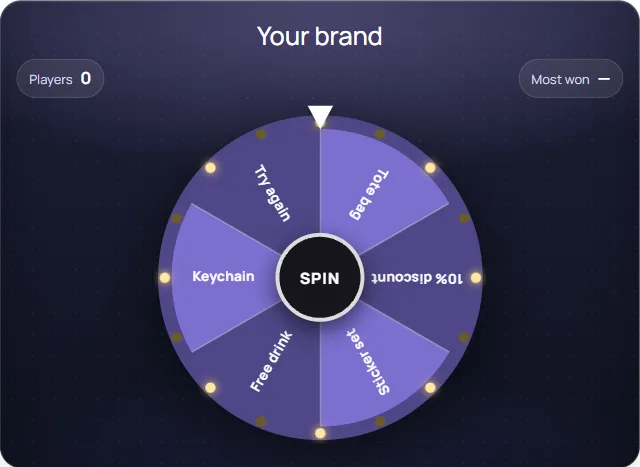
Try demo: Memory MatchSign up, then spin for a prize. Set your own prizes and how often each one comes up.
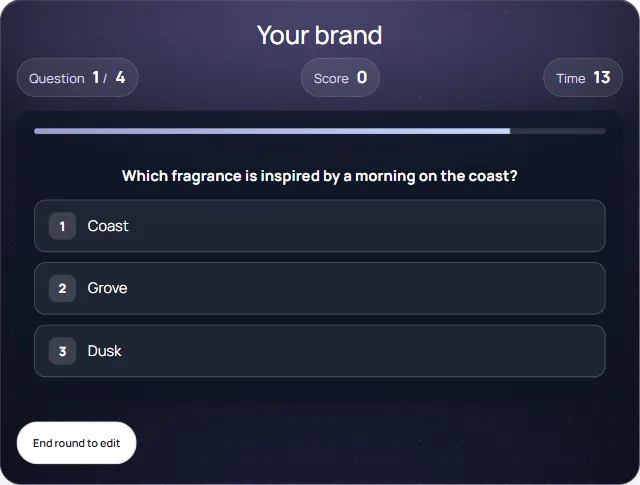
Try demo: Lucky WheelAnswer timed questions about the brand and compare scores on the leaderboard.
Try demo: Quick QuizSlide through product cards and tap a topic to reveal more details.
Try demo: Product ExplorerStep into a projection room with moving images on the walls and floor.
Try demo: Projection RoomPlace a tagged product on a reader and see its information appear.
Try demo: RFID Product DisplayEXPERIMENT 001 / CATCH GAME
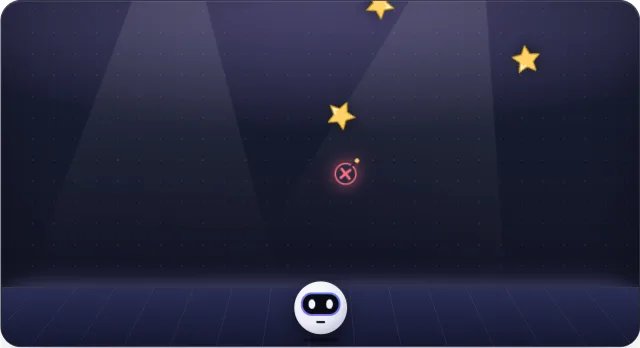
A timed catching game for a little friendly competition. Imagine branded objects, a campaign theme, or a product launch challenge.
Catch the sparks. Avoid the red × objects: they deduct points. Your score stays at zero or above.
Branding and game settings are configurable. This prototype runs entirely in your browser.
Request a game quotePNG, JPG, WebP · up to 5 MB · used only in this browser
Choose a picture to use as the collectible.
Changes update automatically. End the round before editing.
Drag to move · ← → or A / D to catch · Space to start
Game ready.
INTERACTIVE GAMES / TAP THE RIGHT ITEM
Items pop up from random holes and disappear quickly. Tap the target item before it hides. Customize the brand, item, colors, time, goal, and pop-up speed.
A quick game for event booths and branded campaigns. Every game in the Playground has its own customization controls. This demo saves no data.
Discuss a custom game Back to demosPNG, JPG, WebP · up to 5 MB · used only in this browser
Choose a picture to use as the collectible.
Collect ✦ 8 items within 15 seconds
Choose your settings, then play your game.
INTERACTIVE GAMES / MEMORY MATCH
Tap two cards to reveal their pictures. Find all matching pairs before time runs out. Customize this game with your brand, theme, number of pairs, and time limit.
Discuss a custom gameTurn two cards and look for the same picture.
INTERACTIVE GAMES / LUCKY WHEEL
A prize wheel for booths and launches. Visitors sign up first, then spin for a prize, so every spin is also a new lead. Set your own prizes and how often each one comes up.
The sign-up step is a demonstration. Nothing you enter leaves your browser.
Discuss a custom gameSign up, then spin the wheel.
INTERACTIVE GAMES / QUICK QUIZ
A timed quiz that teaches visitors about your products while they play. Write your own questions, reward fast answers, and let players compare scores on the leaderboard.
Start the quiz and answer before the timer runs out.
EXPERIMENT 002 / SCRATCH REVEAL
Swipe through a soft veil of mist to reveal a moving light scene. A simple concept for brand stories, product reveals, and immersive invitations.
Drag with a mouse or finger to gently disperse the mist. You can also reveal the scene with a button, or pause the motion.
Explore a reveal experiencePNG, JPG, WebP · up to 5 MB · used only in this browser
Choose a picture to reveal behind the mist.
Swipe through the mist or reveal the scene.
TOUCHSCREEN APPLICATIONS / PRODUCT CATALOG
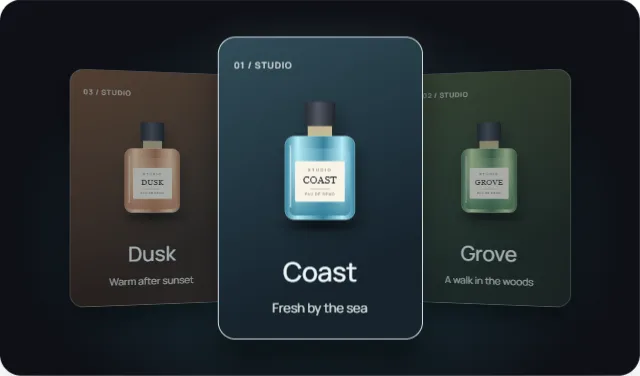
Swipe through the product cards, then choose a topic to reveal more details below.
These are fictional sample products. Your installation would use your own products, images, branding, and content.
Discuss a touchscreen catalogSAMPLE FRAGRANCE COLLECTION
Swipe left or right to choose a product.
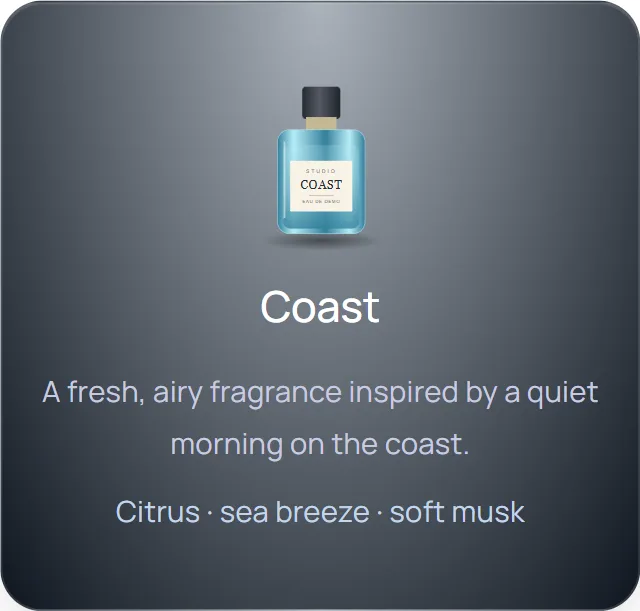
Choose a topic to see the details.
IMMERSIVE EXPERIENCES / PROJECTION ROOM
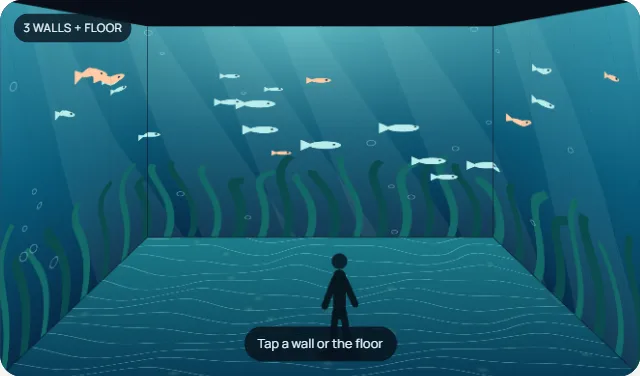
Imagine standing in a room where moving images surround you on three walls and the floor. Choose an underwater world, a glowing forest, or a journey through space.
For an exhibition, brand experience center, or immersive event: we design the visual story and connect projection or LED surfaces into one environment. This is an illustrated room preview, not a VR tour or a real installation.
Discuss an immersive space Back to demosTap to interact · drag to look around · Enter or Space also works
Underwater room · moving imagery surrounds the visitor.
SENSOR TECHNOLOGIES / RFID
Each product has its own RFID tag. When you place it on a reader, the system identifies that product and shows its information on the screen.
In a showroom or exhibition, visitors can pick up a real product and place it on a display stand to explore more.
This browser demo simulates the product, tag, and reader. A real installation connects physical RFID hardware to the screen.
Discuss an RFID experience Back to demos1. Pick a product with an RFID tag
Drag a product onto the reader. Or tap a product, then tap the reader.
2. RFID reader
Waiting for a tag
Detected ID: —
3. Information screen
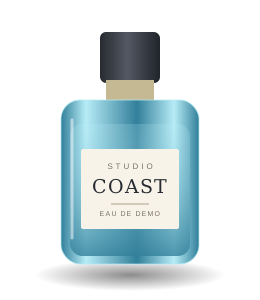
Place a product on the reader to see its information.
Choose a product and place it on the reader.
Interactive LED & Projection Content
Draw with your mouse or finger, choose a color, and switch between an LED grid and a projection surface.
A digital canvas concept. Draw directly on the surface with a mouse or finger.
Discuss your idea Back to demosDraw on the surface.
LET’S BUILD SOMETHING THAT CONNECTS
Tell us what you have in mind. We’ll explore what’s possible.